Flank & Fire
A downloadable game for macOS
Flank & Fire is a real-time tactics game about regiments that fight as living formations. A unit doesn't break when its men run out — it breaks when its will does.
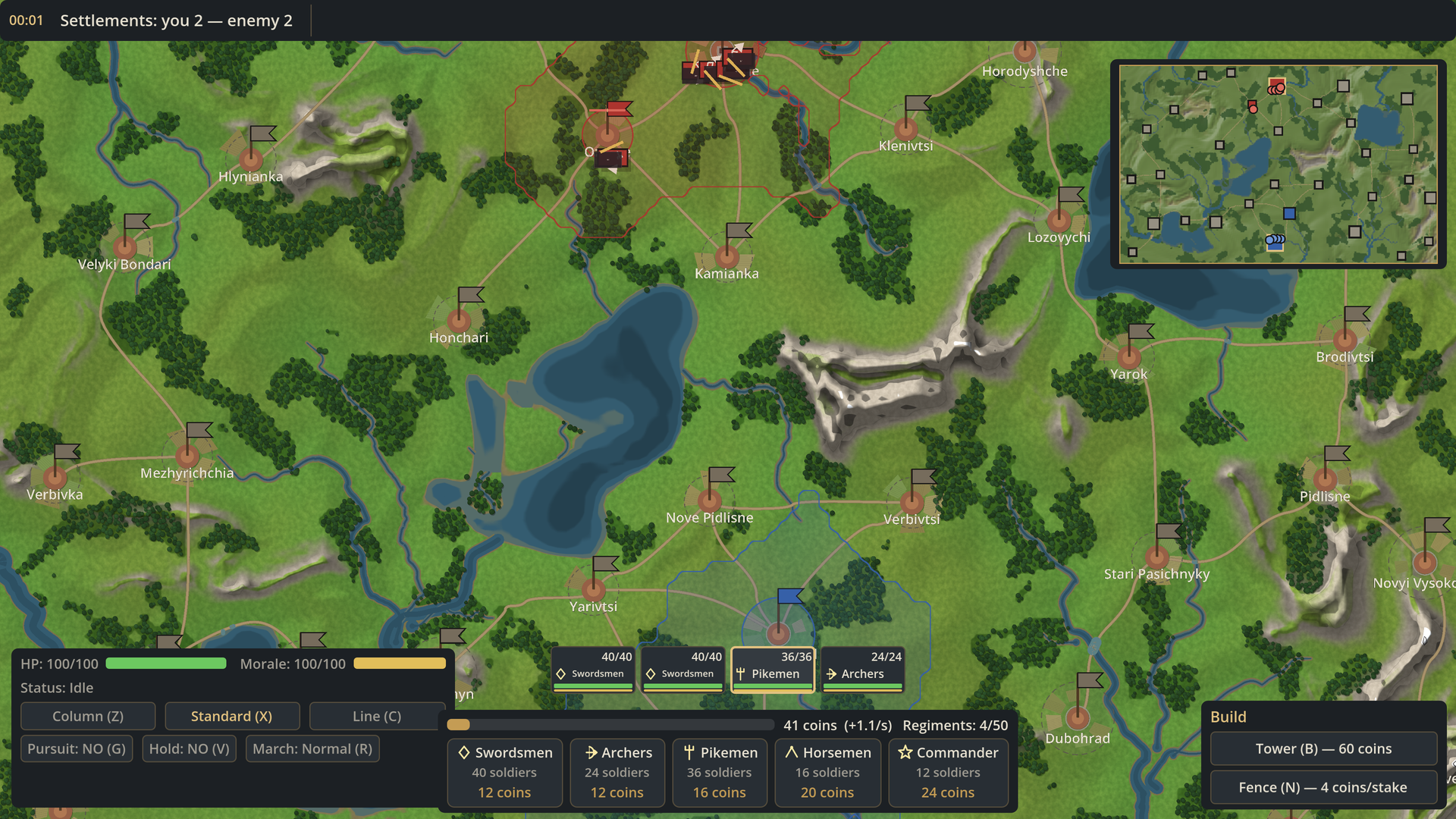
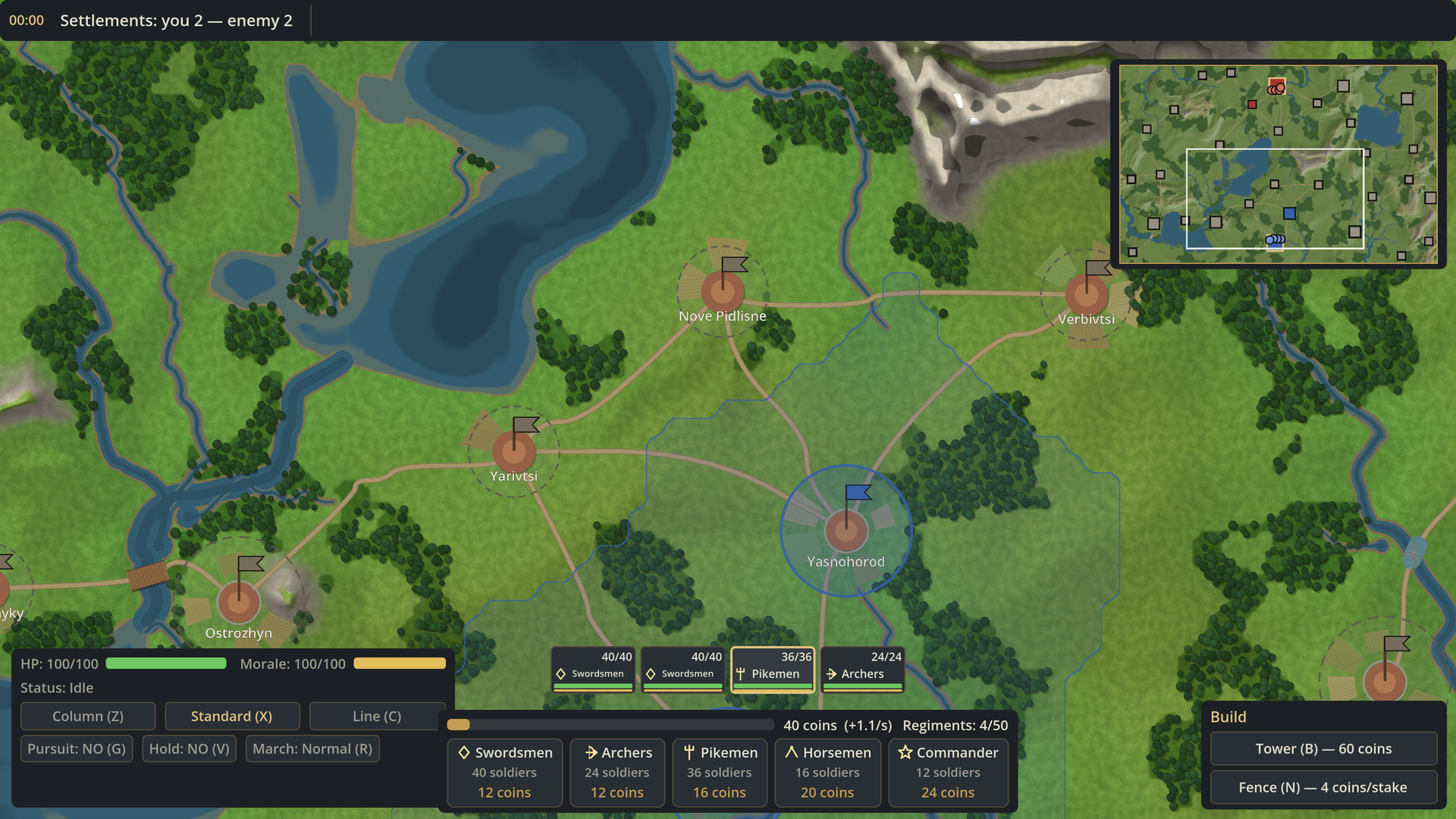
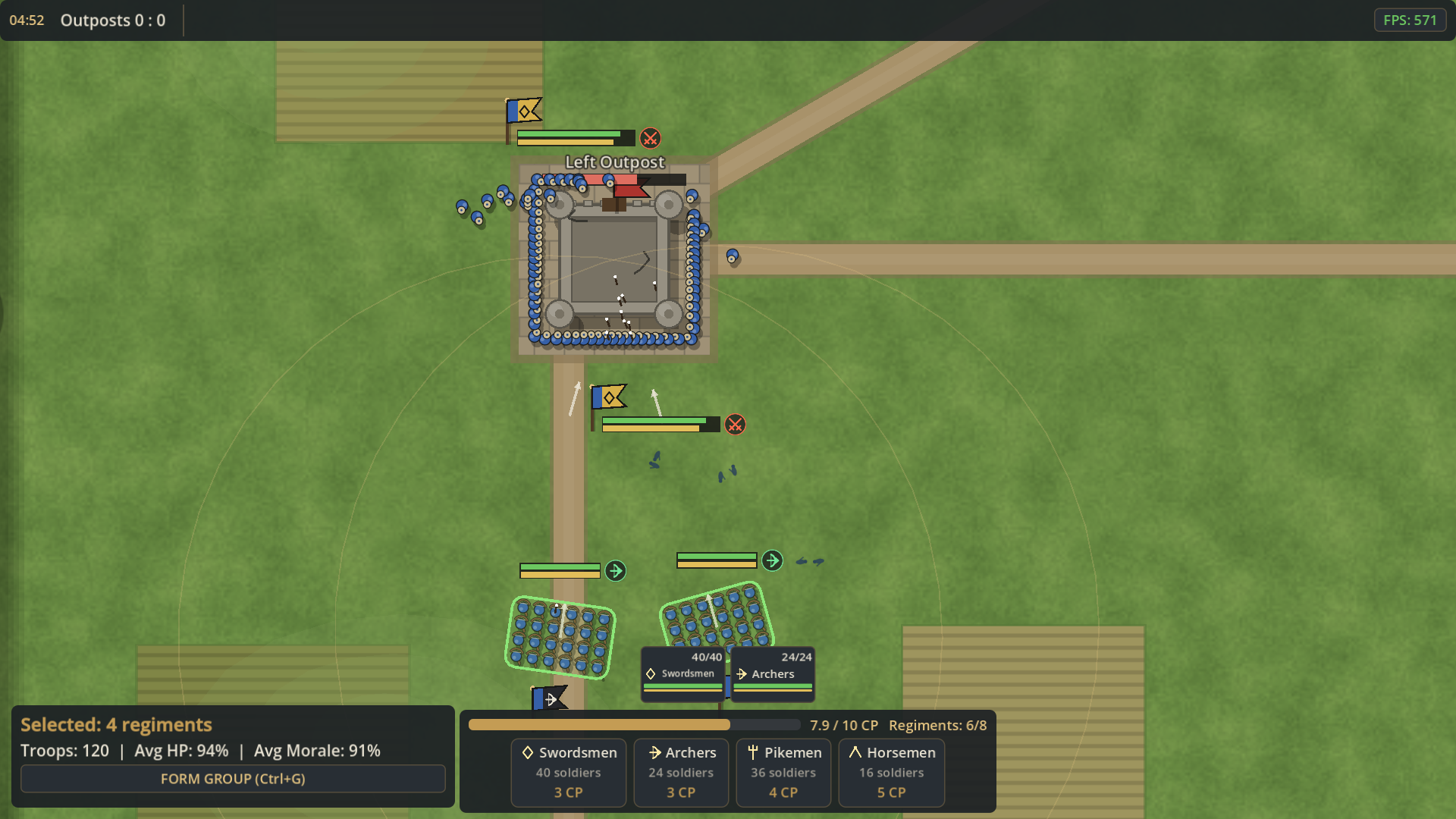
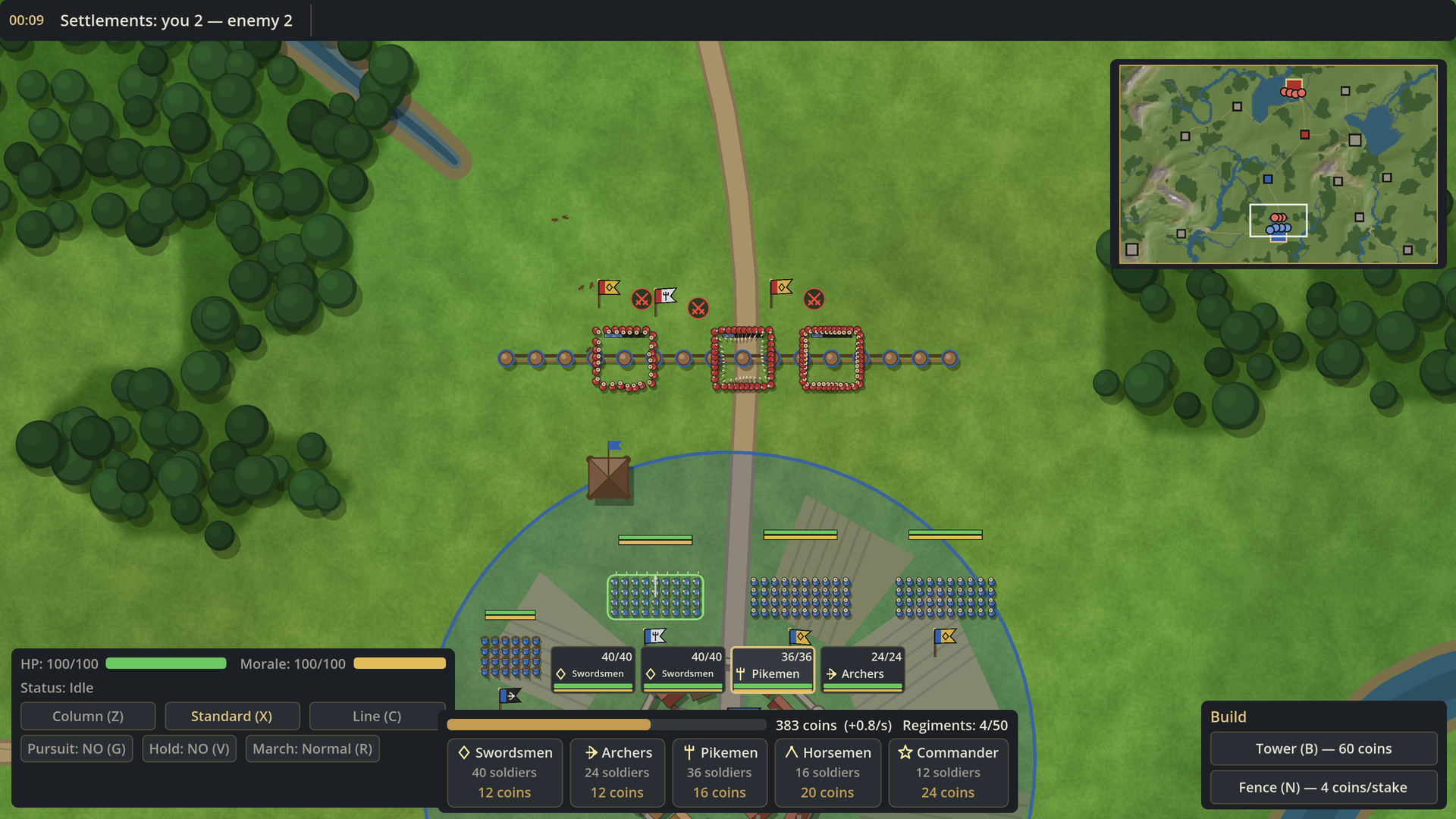
Command swordsmen, archers, pikemen, horsemen and commanders. Pin the enemy line, swing your cavalry into its flank, take villages and towns, and march your army along roads, across fords and bridges, to the enemy capital.
Two ways to play
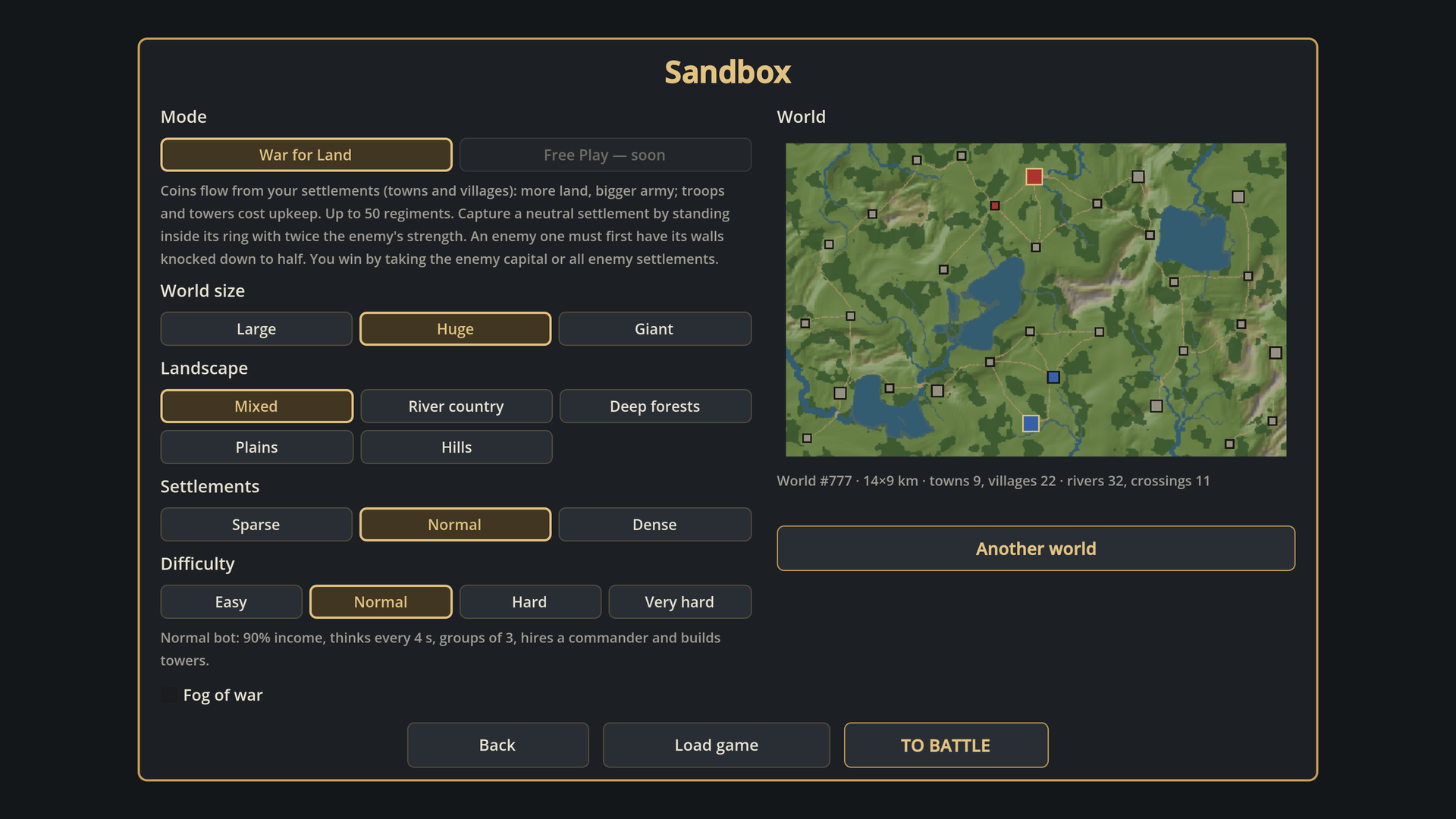
- War for Land (Sandbox).
- A procedural world up to 19 × 12 km: mountains, rivers that merge into networks, lakes with shallows, forests, roads, bridges and fords.
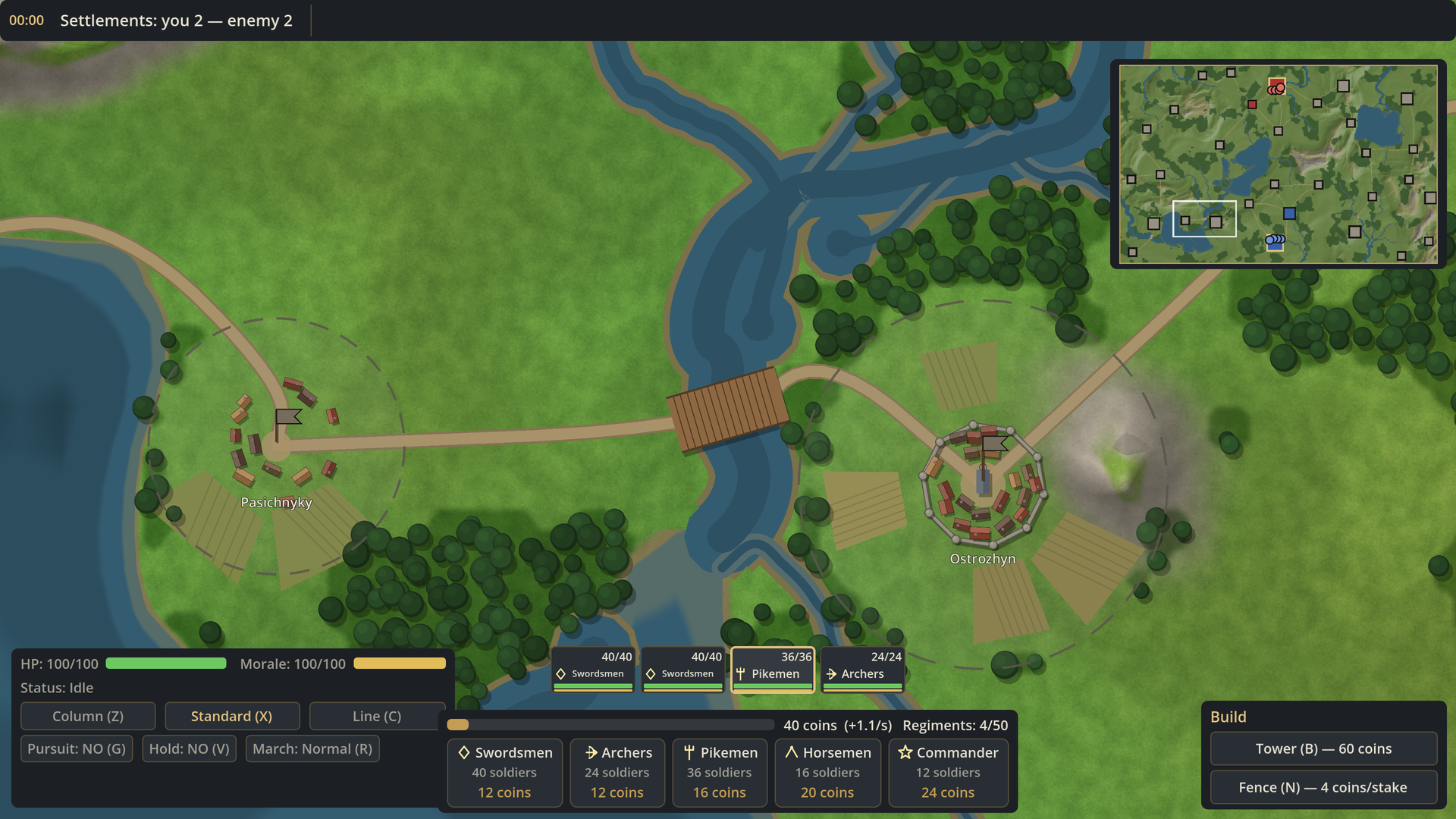
- Villages, walled towns and two capitals.
- Settlements give coins, and coins hire regiments (up to 50). Your army and towers cost upkeep.
- Capture a neutral settlement by standing in its ring; breach enemy walls to half first. A freshly captured place riots for 60 seconds.
- Build watchtowers and stake fences.
- Fog of war, territories on the far zoom, a minimap.
- Save, load, rename and delete games, with autosave.
- You win by taking the enemy capital or every enemy settlement.
- Quick Battle.
- Choose a victory condition: full destruction, or 5 / 10 / 15 minutes.
- 9 battlefield types: river crossings, steppe, forest corridor, two rivers, a hill in the centre, plus random variants.
- A deck of command points and a Sudden Assault overtime.
What makes it different
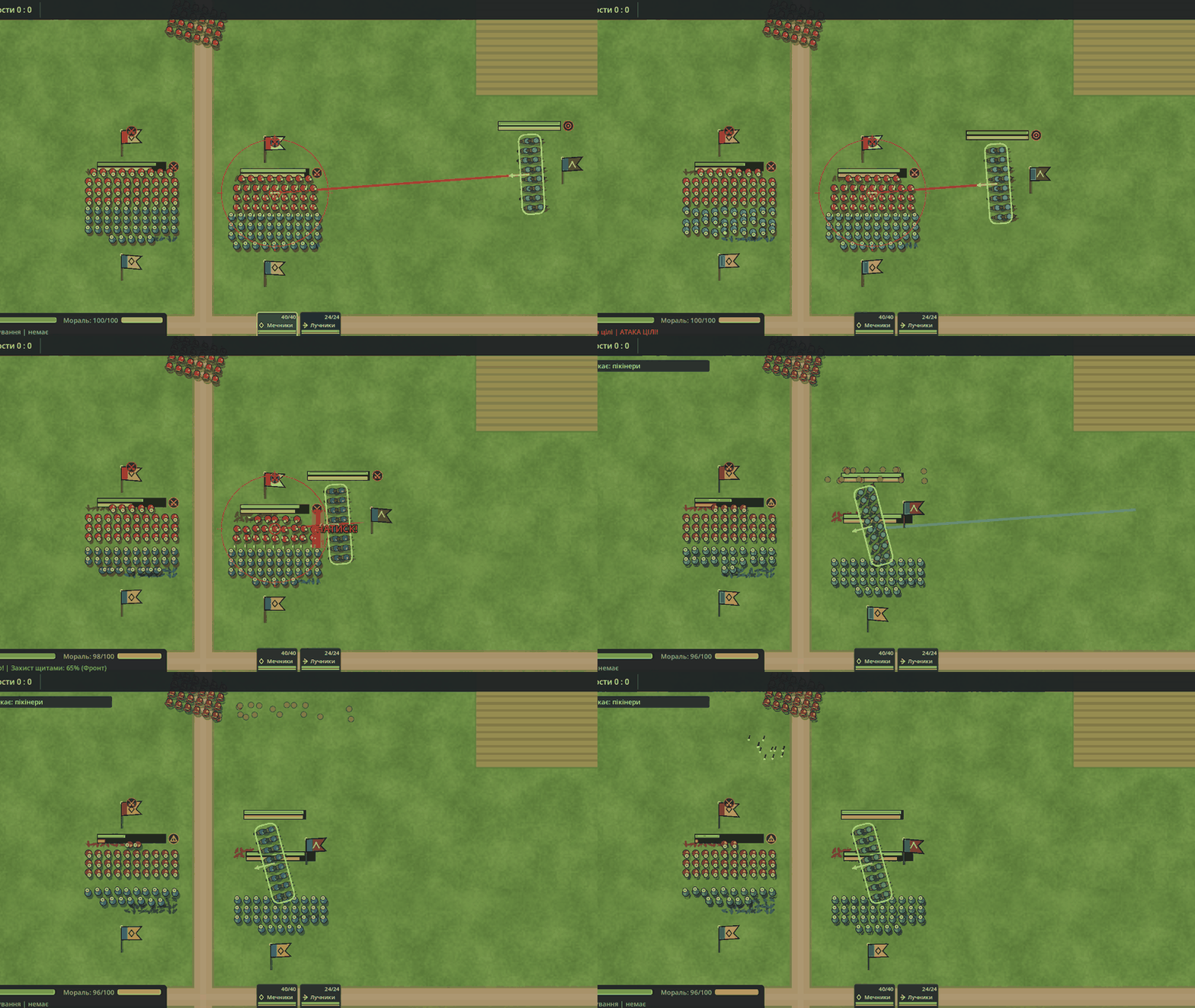
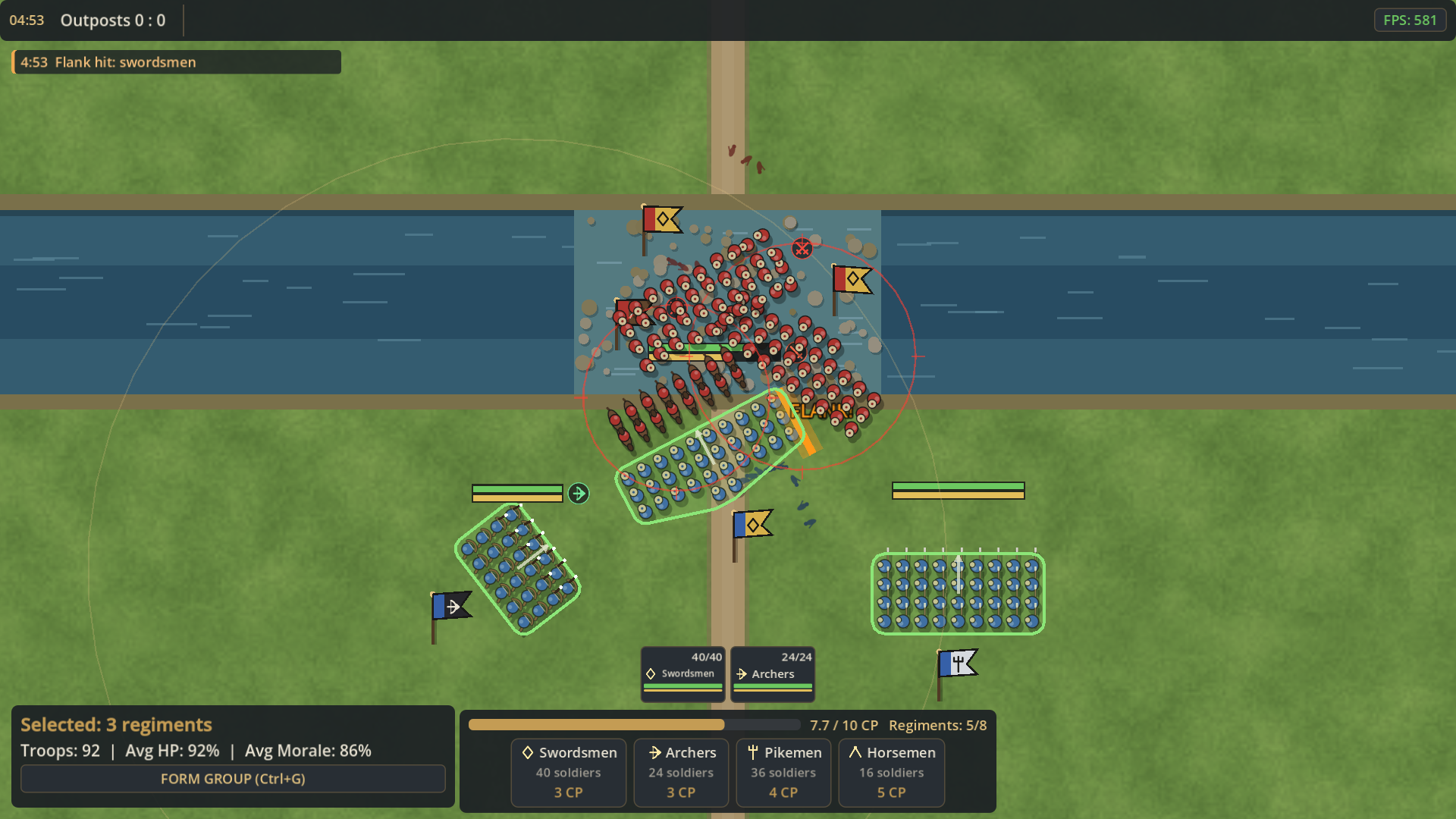
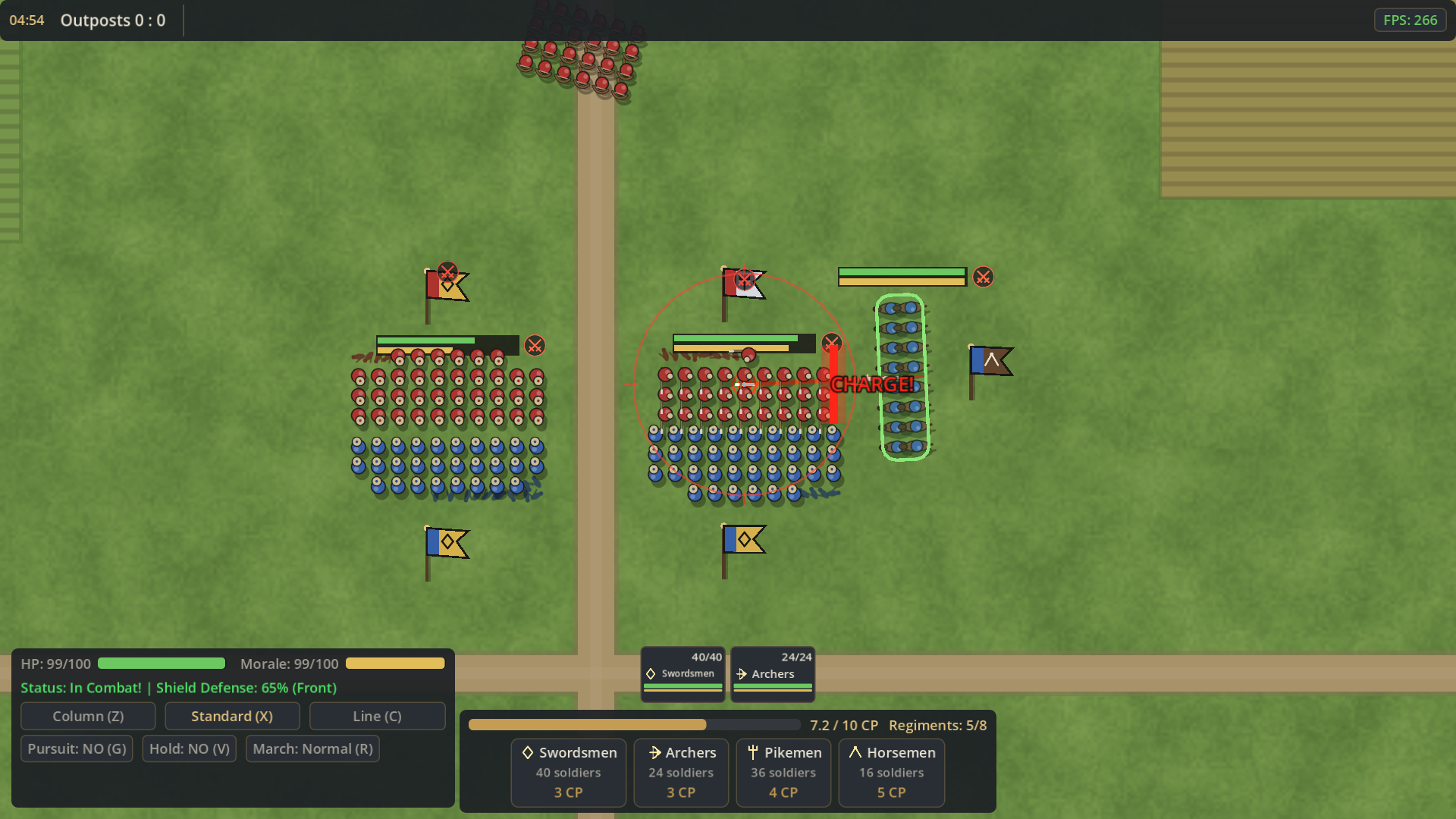
- Flanks and rear matter. Hits to the side do ×1.5 damage, to the rear ×1.8, and regiments turn gradually.
- Morale is the true health bar. Losses, flanking and arrows drain it. Broken regiments flee; a commander can rally them.
- Formations you draw yourself. Drag a line to set width and facing, draw a path around a ford, march in column, set a battle line for a group.
- Seamless zoom from a single soldier to the whole 19 km world.
- Counters with nuance. Pikes stop cavalry charges, shields stop arrows from the front, cavalry crushes archers. Each counter has a weakness.
Also in the game
- 4 difficulty levels, each with an honest description of what the bot does.
- A tutorial on a real field, about 3 minutes.
- English and Ukrainian.
Controls
- LMB: select (drag a box for several units).
- RMB: move / attack / assault. RMB on a settlement leads troops into its capture ring.
- Shift + RMB: march straight / all-out assault.
- RMB drag: draw a path or turn the line.
- Z / X / C: column / standard / line.
- V: hold.
- G: pursue routers.
- R: fast march.
- Ctrl + 1..9: group; 1..9: select the group and move the camera to it.
- Sandbox:
- B: tower;
- N: fence;
- I: next idle regiment;
- M: minimap;
- F5: quick save.
- Space: pause. L: map legend. Esc: menu, settings and full help.
System requirements
- Windows 10/11 64-bit, macOS 10.13+ (Intel and Apple Silicon) or Linux 64-bit.
- Any GPU with OpenGL 3.3.
- Graphics quality: low / medium / high.
- Measured on a modern desktop:
- Quick Battle with 100 regiments runs at ~100 FPS on medium quality;
- the largest Sandbox world runs at 138 FPS at full zoom-out in a window.
- Windows may warn about an unknown publisher: "More info" → "Run anyway". On macOS, first launch: right-click → Open.
- On a MacBook trackpad: pinch to zoom, two fingers to move the map.
Known limitations
- Very large melees can look crowded on the far zoom.
- Grabbing the nearest neutral town early is often decisive.
- "Free Play" sandbox mode with factions is not in yet.
Roadmap
- Armies led by commanders as one unit on the strategic zoom.
- Settlement specialisation.
- A living, less regular map.
- "Free Play" with factions.
- Campaign with a research tree.
Made by one developer in Ukraine. Feedback is very welcome — please write in the comments. Every playtest so far has changed the game.
Download
Install instructions
Windows: unzip and run FlankAndFire.exe (keep FlankAndFire.pck next to it). If Windows warns about an unknown publisher: More info -> Run anyway.
macOS: unzip and open "Flank & Fire". The game is not signed with Apple, so the first time: right-click -> Open -> Open. On macOS 15+: open it once, close the warning, then System Settings -> Privacy & Security -> Open Anyway.
Linux: unzip and run FlankAndFire.x86_64 (if needed: chmod +x FlankAndFire.x86_64).
Requires a GPU with OpenGL 3.3. Full controls and help: README_EN.txt in the archive, or Esc -> Controls & Tactics in the game
Leave a comment
Log in with itch.io to leave a comment.